Macro Keyboard
Being in my first year of engineering, I was in a course that taught students how to use CAD software, specifically Dassault Systèmes SolidWorks. I realized early on that I would be using a number of shortcuts and keystroke sequences, so I began designing a simple macro keyboard around an Arduino Pro Micro.
Design
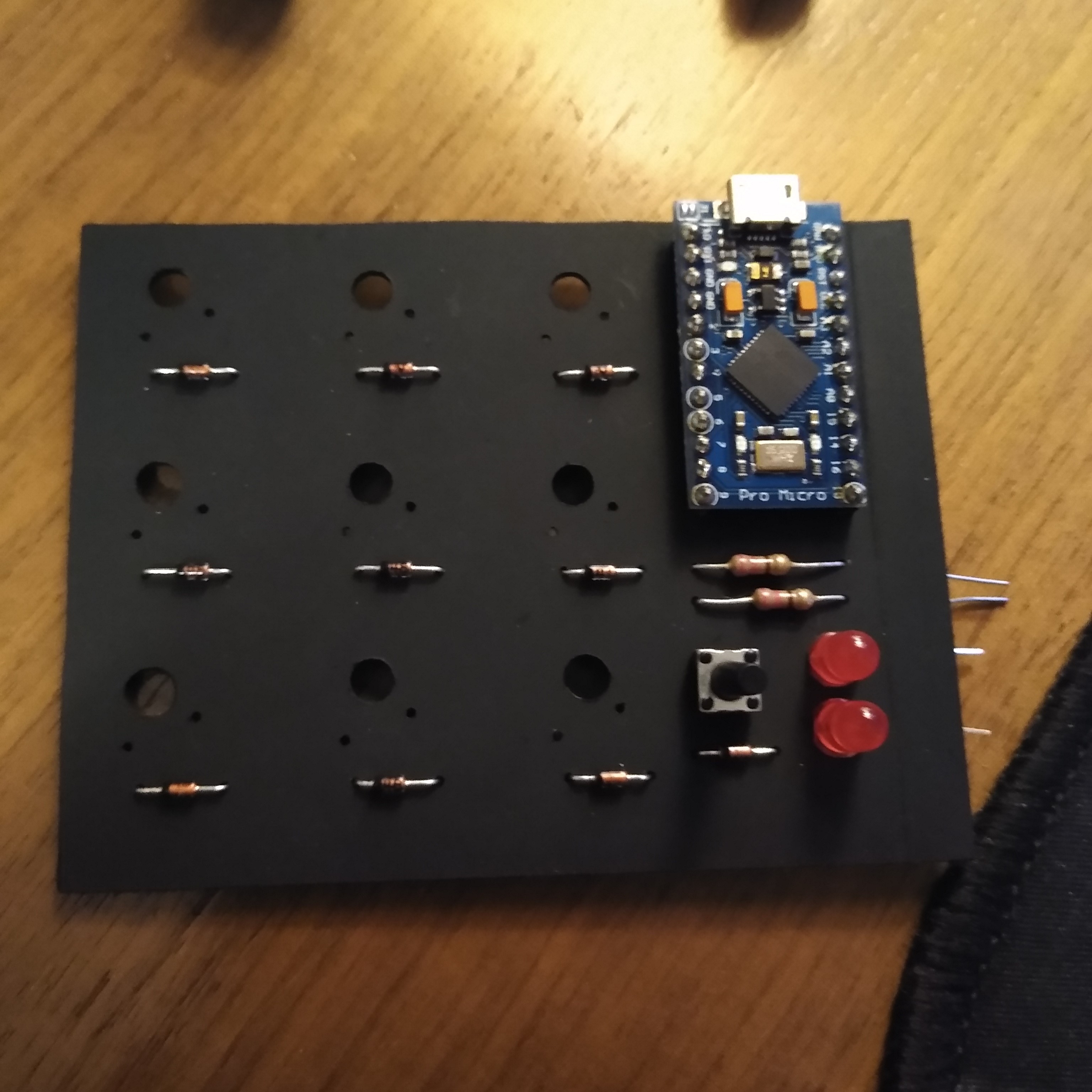
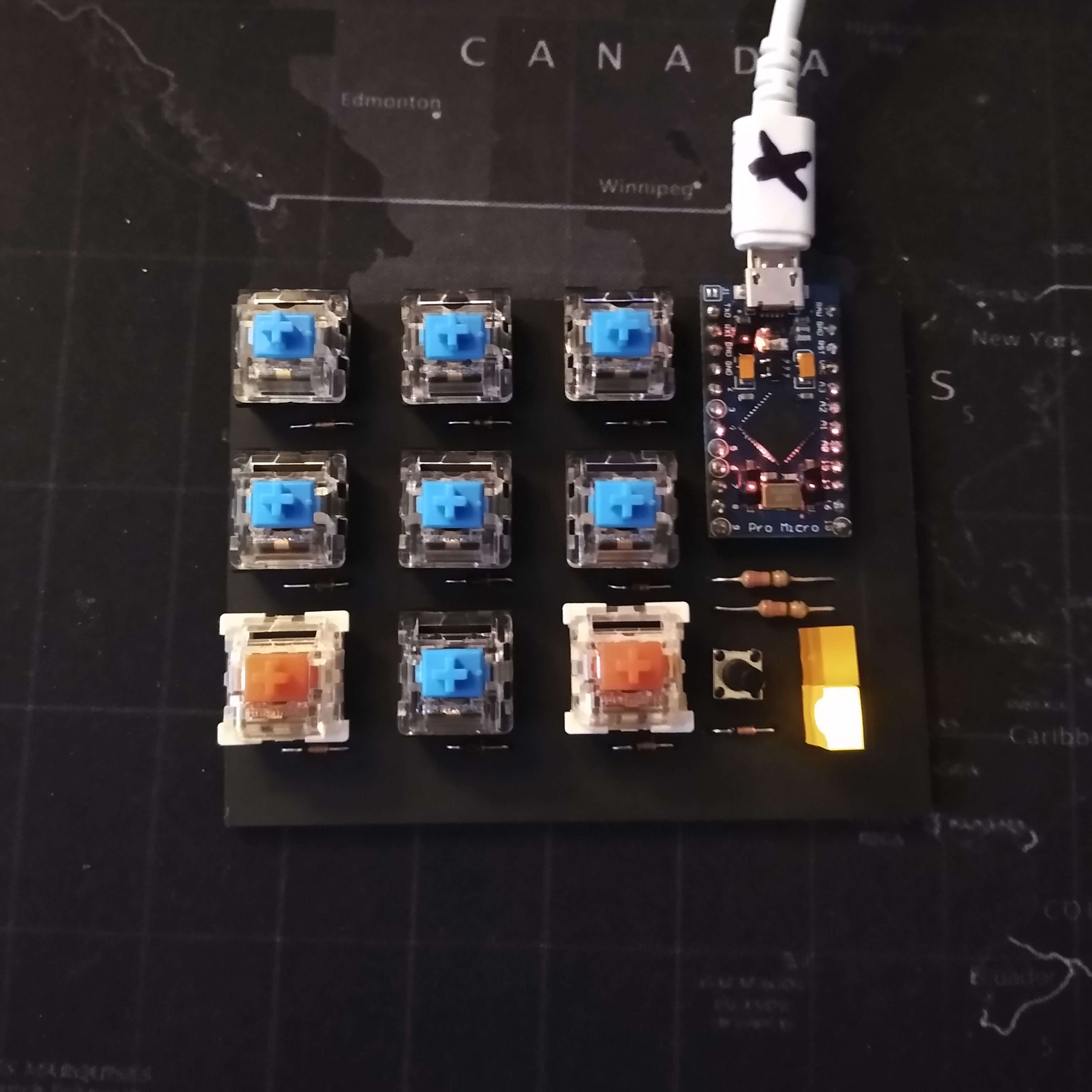
Using 9 mechanical keyboard switches, I didn't need to get into any in depth array of buttons, so the design was rather simple. I used 9 digital IO pins from the Arduino and set them as inputs. I also included a button for selecting different sets of macros, and with that two LEDs were included as a binary counter/indicator of which macro set is selected.
The circuit was turned into a PCB layout using EasyEDA (at this point in time I had not known about KiCad). I exported the PCB Layout into gerber files and used FlatCAM to turn them into CNC milling operations.
After milling out the PCB, I was able to solder in the components including the Arduino Pro Micro. Keycaps were later added to the switches as well.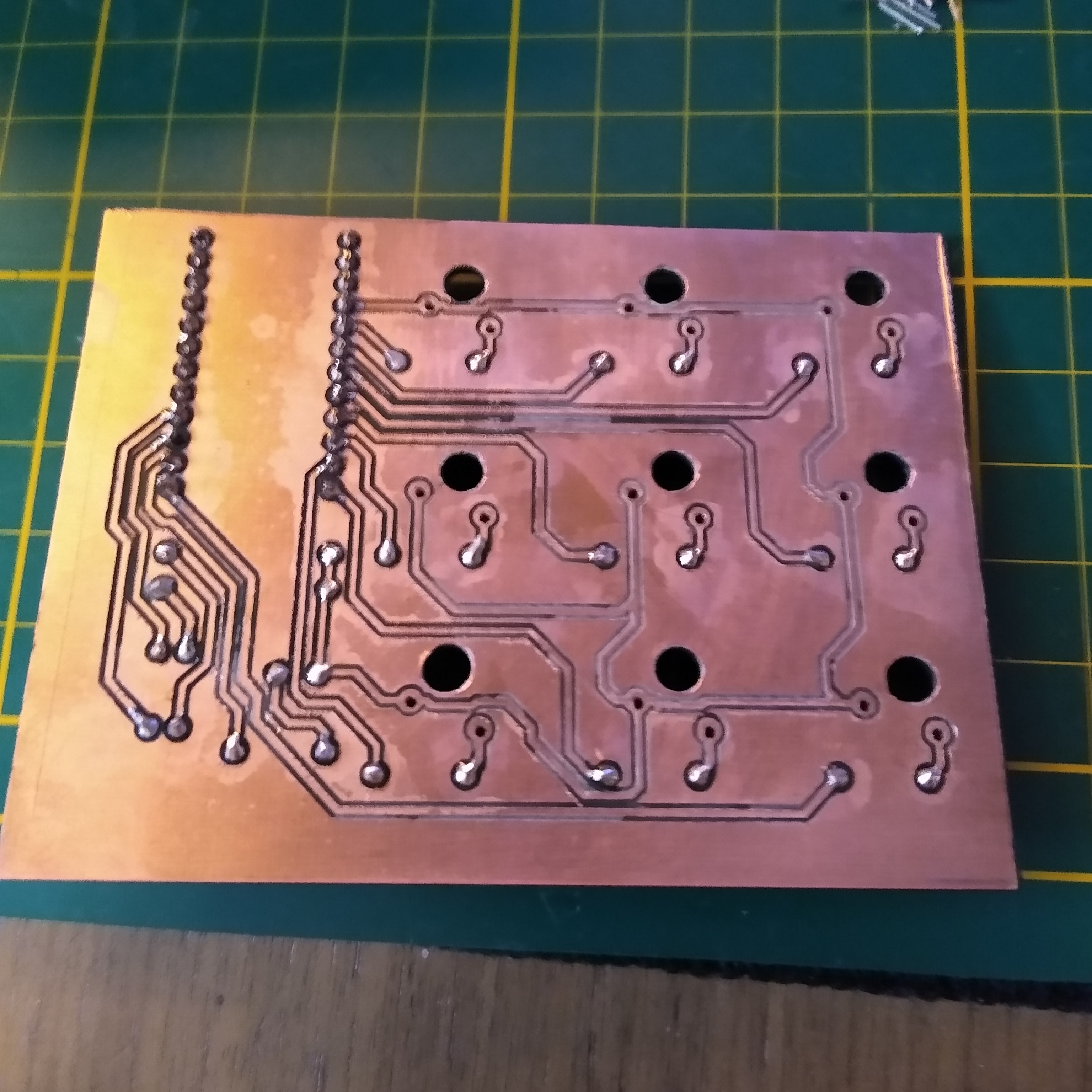
Software
The software was quite straight forward since the Arduino Pro Micro (more specifically the Atmel ATMEGA32U4 microprocessor) has human interface device (HUD) support built in. This means that the Arduino can behave like any computer input peripheral such as a mouse, keyboard, or game controller.
I won't cover much of the software since it was only a series of if statements within the main loop.
The code responsible for sending the keypress is shown below:
if(digitalRead(4) == LOW){ //Button 1
    Keyboard.press(KEY_LEFT_ALT);
    Keyboard.press(KEY_LEFT_SHIFT);
    Keyboard.press('m');
    Keyboard.releaseAll();
    while(digitalRead(4) == LOW);;
    delay(del);
  }
Essentially in the main loop, once the key assigned to pin 4 is pressed, the input goes low causing this if statement to execute. This statement executes keypresses in the order of ALT, SHIFT, and M, then releases all the pressed keys and waits for the macro key to be let go.
Results
The macro keyboard was heavily used in my first year, but gradually was used less. I ended up reconfiguring it to be a numpad as the keyboard I was using didn't have a numpad.