After my third year of undergraduate studies, just before going on my co-op work terms, I had a collection of electronics calculator tools coded for MATLAB.
I always turned to the internet when I wanted to quickly calculate various values for different applications, such as the reactances of inductors or capacitors, or general equations. While using an off the shelf calculator and paper would be enough, it takes some extra time, unlike a website which is a click away.
With the collection of MATLAB calculator scripts, I wanted to translate them over to a webpage I could host on github. In addition to the speed at which one can access an online calculator, I saw this as a way to make my own personalized toolbox for improving my efficiency and workflow.
Now there was only one problem... I've never really designed a website before this.
Michael's Etoolbox Website
The Beginning (Learning JavaScript)
When I started, my first goal was to learn :simple-javascript: JavaScript, as that language is used by all browsers and runs locally on the client side. I did this primarily to not need a server or backend.
I had a handfull of MATLAB scripts to translate to JavaScript, so I converted them one-by-one. Initially the scripts I had made were:
- Closest Standard Value - Given an arbitrary resistance value, output the closest industry standard value defined by the E-series of preferred numbers (defined in the IEC 60063 standard).
- Combination Calculator - A tool that will bruteforce a combination (series, parallel, series+parallel) of 2 or 3 resistors to achieve a target arbitrary value. This tool also worked with capacitors.
- Resistor Div/Ratio - A tool that will return the best resistor values for a resistor divider given a desired voltage, or return the best resistor values for an op-amp feedback loop.
- Marking Decoder - Decodes SMD resistor and capacitor markings based on EIA 3-digit, EIA 4-digit, EIA-96 codes for resistors, and EIA 3-digit, EIA 4-digit, EIA-198 codes for capacitors.
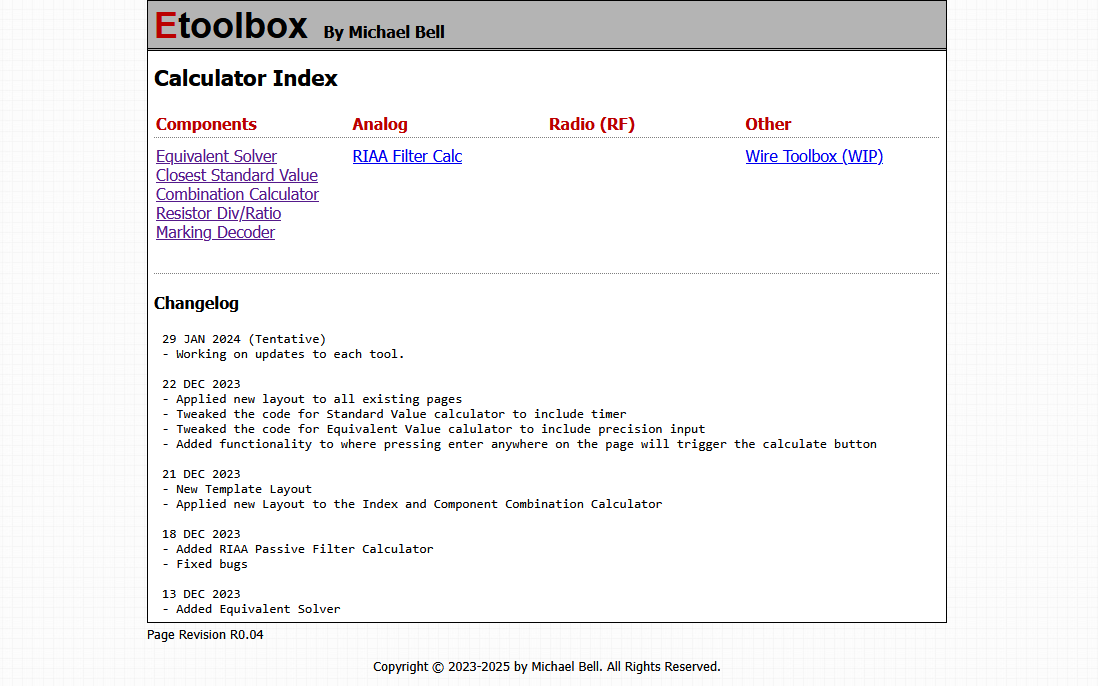
At the time, my favourite tool was the combination calculator as I saw it more as a "bodgy" prototype centric tool. It was useful when I needed a resistance value in a prototype circuit, but didn't have the correct value resistors for it.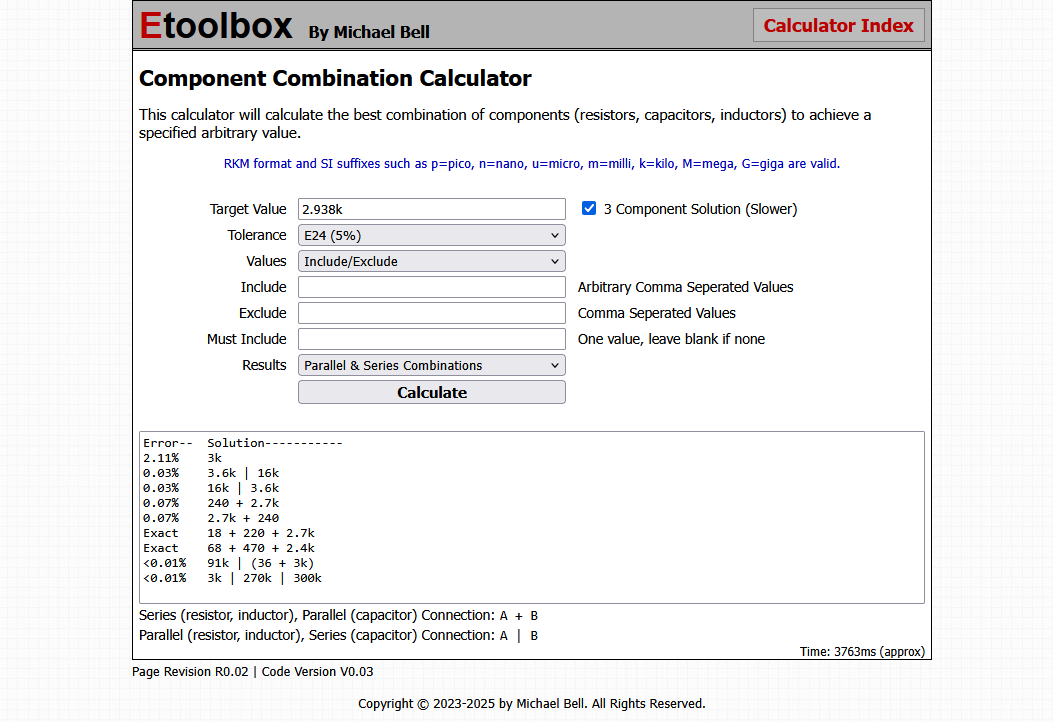
Now, I added a total of 7 different calculators by the time I decided the site itself was long due for a makeover. Being that this was the first site I made, I decided to restart (keeping the JavaScript code obviously) and make another version.
The Makeover (Learning CSS)
Up until now, I was putting minimal CSS inside the style="" option of each element, but I found using a separate cascaded style sheet and classes, I could do a lot more.
Learning :simple-css: CSS was quite fun, as I could just throw different elements in, give them classes, and adjust their properties on a separate document.
In the end, the resulting site looked a bit sleeker and less early 2000's.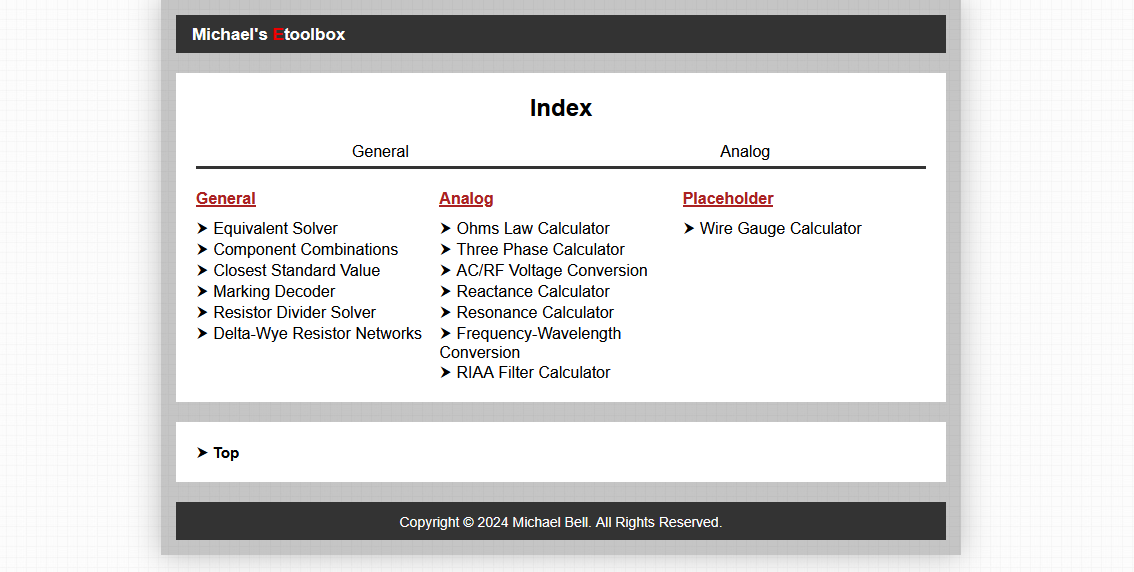
As you can probably see, I was also busy adding more to the list of calculators. In addition to what I had originally made, I added:
- Delta-Wye Resistor Networks - Calculates the conversion between a delta resistor network and a wye resistor network for real 3-phase loads.
- Ohms Law Calculator - A simple Ohms law calculator that will output remaining values of voltage, current, resistance, and power, given 2 inputs.
- Three Phase Calculator - Calculates 3-phase values such as line voltage/current, phase voltage/current, apparent power, real power, reactive power, phase angle, and power factor, for both delta and wye configurations.
- AC/RF Voltage Conversion - Convert between peak-to-peak voltage, peak voltage, RMS votlage, dBV, dBu, and given a system impedance, calculate all those values given a power in dBm or watts.
- Reactance Calculator - Calculates reactance of an inductor/capacitor at a given frequency.
- Resonance Calculator - Calculates the resonant frequency of an LC tank circuit.
- Frequency-Wavelength - Convert between frequency and wavelength in a system, with the ability to define velocity and velocity factor of the wave.
That was a lot, but all of these calculators were fairly simple to implement.
Adapting to Mobile (2024)
Now that I was more familiar with JavaScript and CSS (and by technicality HTML), I was fairly comfortable expanding the site and improving fuctionality.
In 2024 I added a lot more tools, and as I was actively using these tools for work, I found my site was terrible on mobile. This meant yet another makeover and more CSS learning. This time I learned about the CSS @media at-rule, which allowed me to change the CSS based on display size.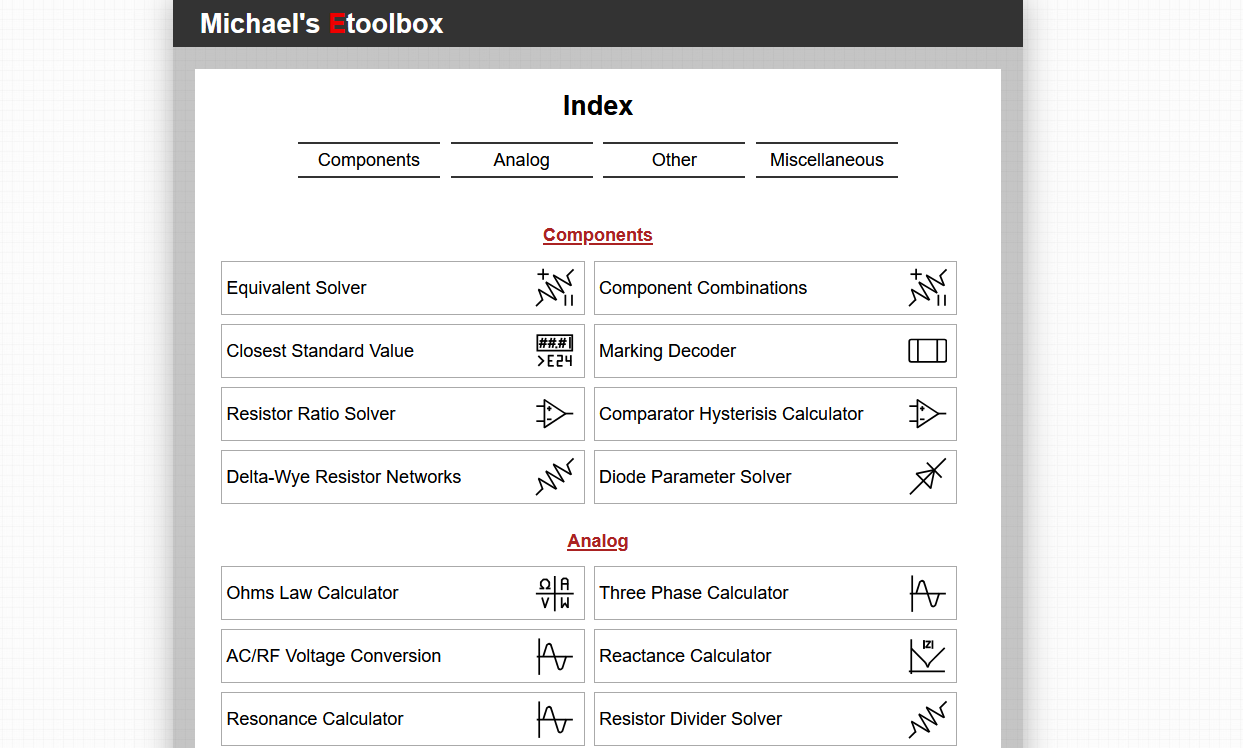
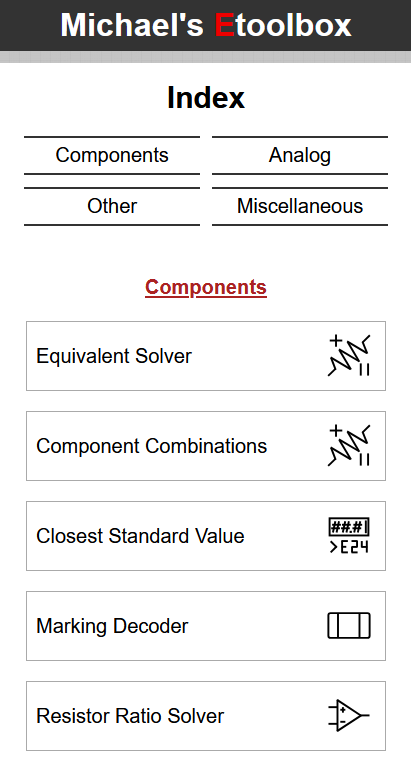
I also added some crude SVG icons, and using a grid-like list I was able to make each calculator easier to select.
This version is currently the version that is being hosted on github. You can visit my EToolbox on github at Michael's EToolbox - I will mention however that over time, some calculators have shown bugs that need to be fixed, and/or simply don't work correctly. I am working on my EToolbox V2, so I will no longer maintain this github page.
Conclusion
As most of my projects go, I had a goal and learned skills to achieve it. I learned HTML, CSS, and JavaScript in either to bring this site to life, even adding easter-eggs along the way (seriously, the website has easter eggs! And so does my ePortfolio site youre reading this on!).
I did a lot more work behind the scenes than shown on this page, and spent hours learning both JavaScript and CSS to achieve good asthetics and functionality.